Bottom sheet
Triggered by other controls, a custom content area slides out or pops up on the screen.
Anatomy
❖
Replace me
Primary
Sheet header
Content Section
button
1: sheet header
Required, style can be toggled via variants (with/without title, close button, or back button)
2: Content Area
Under the default type, you can switch templates. The template types are divided into: Result Feedback, Feature Feedback, Chips Filter, General Cell, General Cell Navigation, General Cell Single/Multi-Select, Single-Select List, Multi-Select List, and Text Only.
3: button
Optional, you can select the number of buttons, their status, and arrangement.
A section title
Secondary title
Priority
This is a passage that requires a large amount of textual description.This is a passage that requires a large amount of textual description.
Secondary title
This is a passage that requires a large amount of textual description.This is a passage that requires a large amount of textual description.
Primary
Sheet header
Card Area
button
1: sheet header
Required, style can be toggled via variants (with/without title, close button, or back button)
2: Card Area
Can be switched to navigation cards, or single-select and multi-select cards
3: button
Optional, you can select the number of buttons, their status, and arrangement.


A section title
A paragraph of text, optional.
Enable Now
Shaped Illustration
Content Section
button
1: Shaped Illustration
Required, style can be toggled via variants (with/without title, close button, or back button)
2: Prefix
Optional, can switch to text, icon, or dropdown selection.
3: Reserved text
Required, usually placeholder text in an input field, which will be replaced by the typed text once the input is active.
Label

How To Use
❖
Replace me
Primary
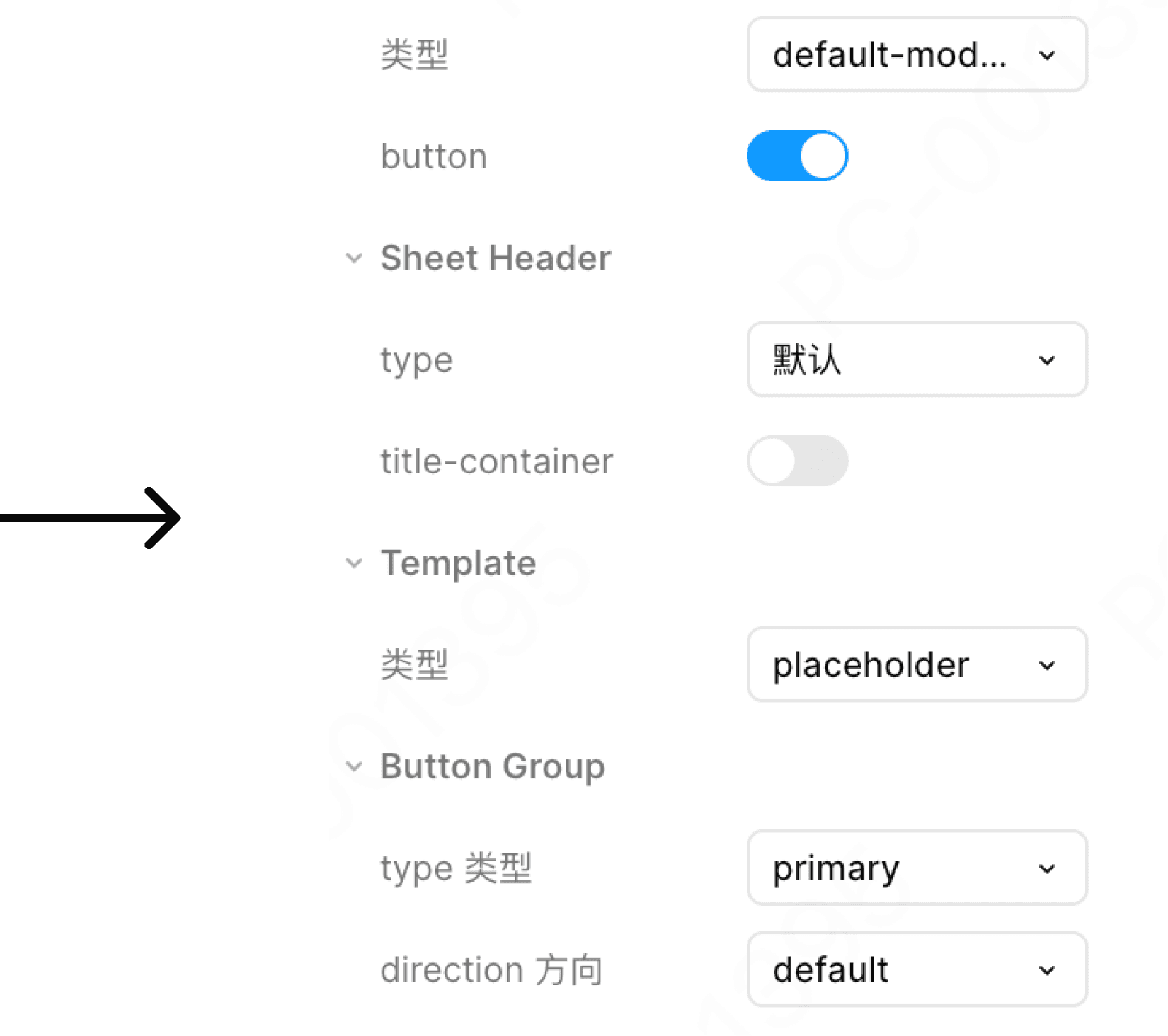
The title is too long
This is a very long title that allows for line breaks to be displayed.
❖
Replace me
Primary
This is a very long title that allows for line breaks to be displayed.
❖
Replace me
Primary
The title defaults to the left and supports line breaks:
When the title is too long, line breaks are allowed.
Popup Overlap

Allow overlapping popups
Popups can be stacked. It is recommended to stack at most 1, otherwise it will affect the process experience