Bottomsheet 底部弹窗
由其他控件触发,屏幕滑出或弹出一块自定义内容区域
构成
❖
Replace me
Priamry
sheet header
内容区域
button
1: sheet header
必有,可通过变体切换样式(是否带标题/关闭按钮/返回按钮)
2: 内容区域
在默认类型下可切换模板,模板类型分为结果反馈、功能反馈、Chips 筛选、常规单元格、常规单元格导航、常规单元格单选/多选、单选列表、多选列表、纯文字
3: button
可选,可选择按钮的数量、状态、排列方式
A section title
Secondary title
Priority
This is a passage that requires a large amount of textual description.This is a passage that requires a large amount of textual description.
Secondary title
This is a passage that requires a large amount of textual description.This is a passage that requires a large amount of textual description.
Priamry
sheet header
卡片区域
button
1: sheet header
必有,可通过变体切换样式(是否带标题/关闭按钮/返回按钮)
2: 卡片区域
可切换为导航卡片、单多选卡片
3: button
可选,可选择按钮的数量、状态、排列方式


A section title
A paragraph of text, optional.
Enable Now
异形插图
内容区域
button
1: 异形插图
必有,可通过变体切换样式(是否带标题/关闭按钮/返回按钮)
2: 前缀
可选,可切换为文字、icon、下拉选择
3: 预留文案
必有,一般为输入框提示语,输入框激活后会被输入的文案替代掉
标注

使用方式
❖
Replace me
Priamry
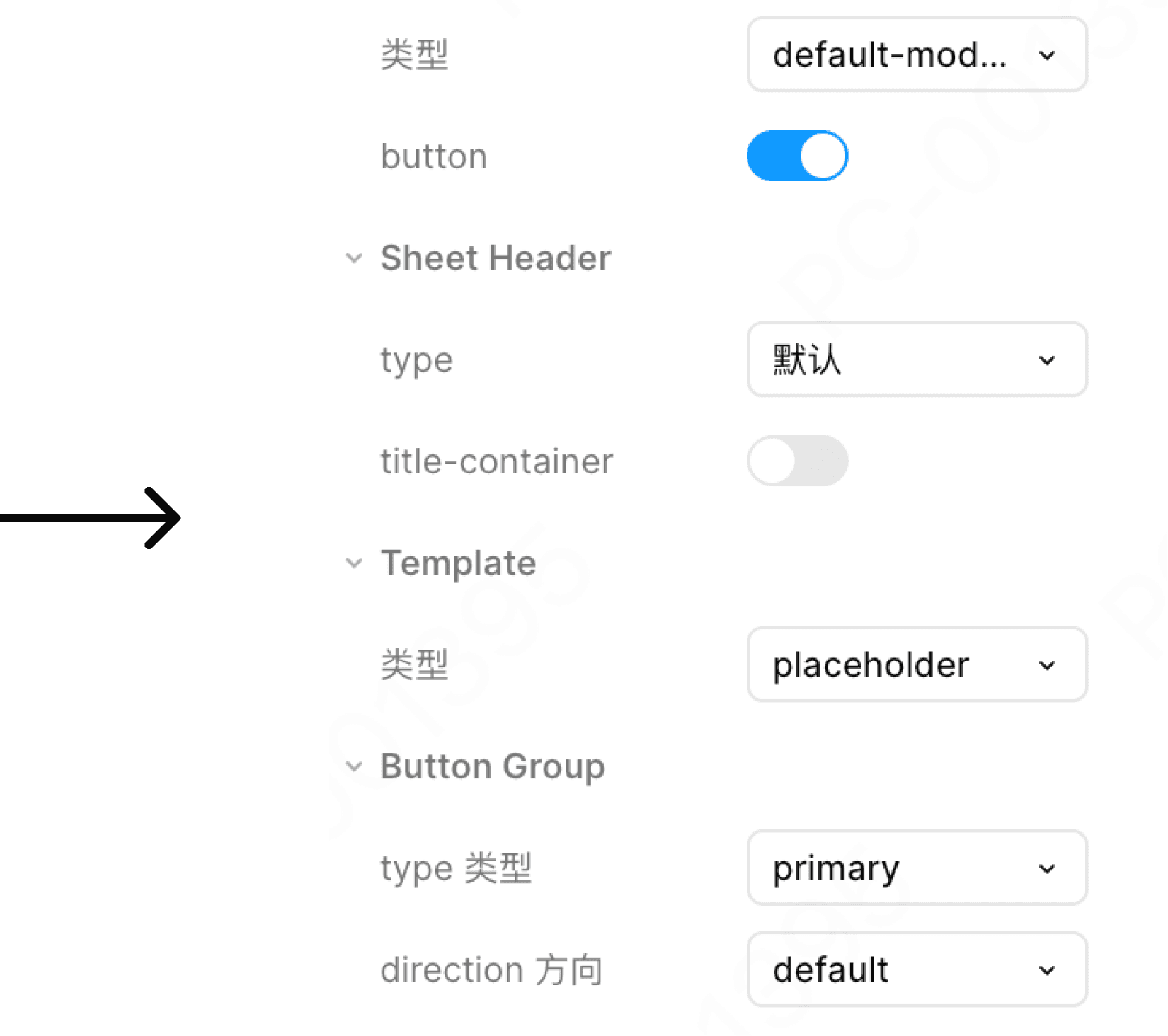
标题超长
This is a very long title that allows for line breaks to be displayed.
❖
Replace me
Priamry
This is a very long title that allows for line breaks to be displayed.
❖
Replace me
Priamry
标题默认居左,且支持折行:
当标题超长时允许折行
弹窗叠加

允许弹窗叠加
弹出层可堆叠,建议最多堆叠1个,否则影响流程体验